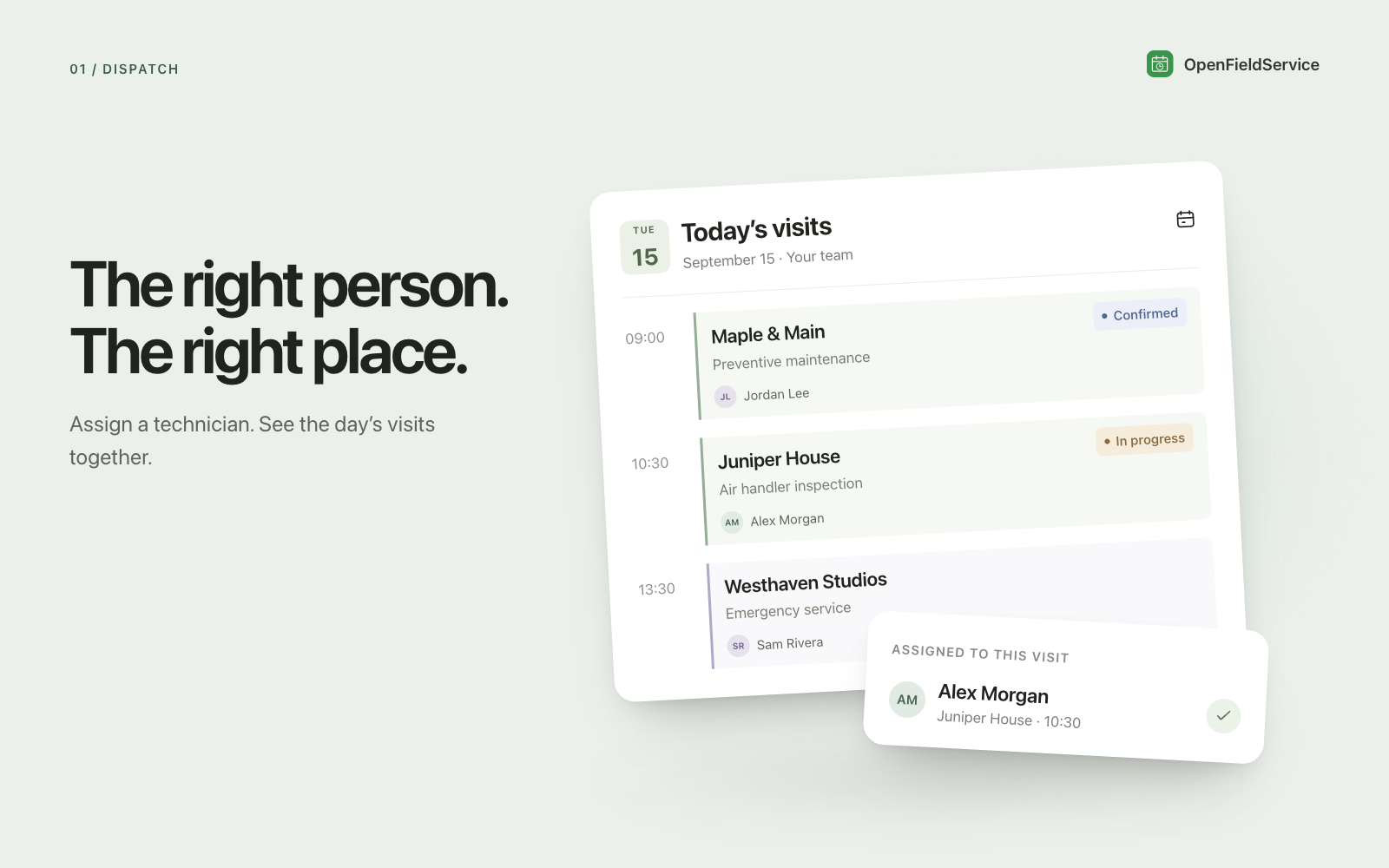
The right person in the right place
Assign technicians to jobs on a color-coded weekly calendar and see who is already busy.
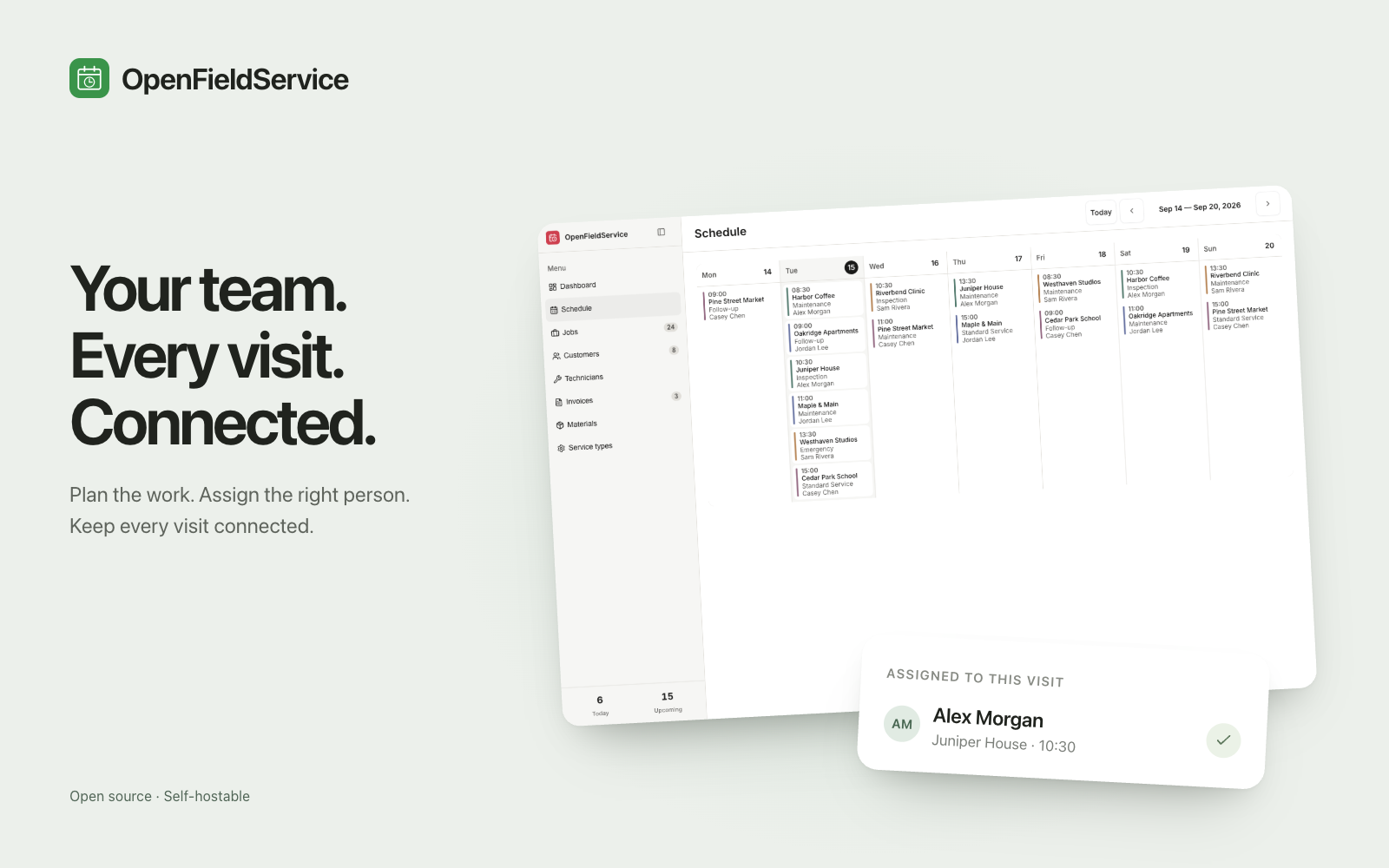
Assign technicians to jobs on a color-coded weekly calendar and see who is already busy.
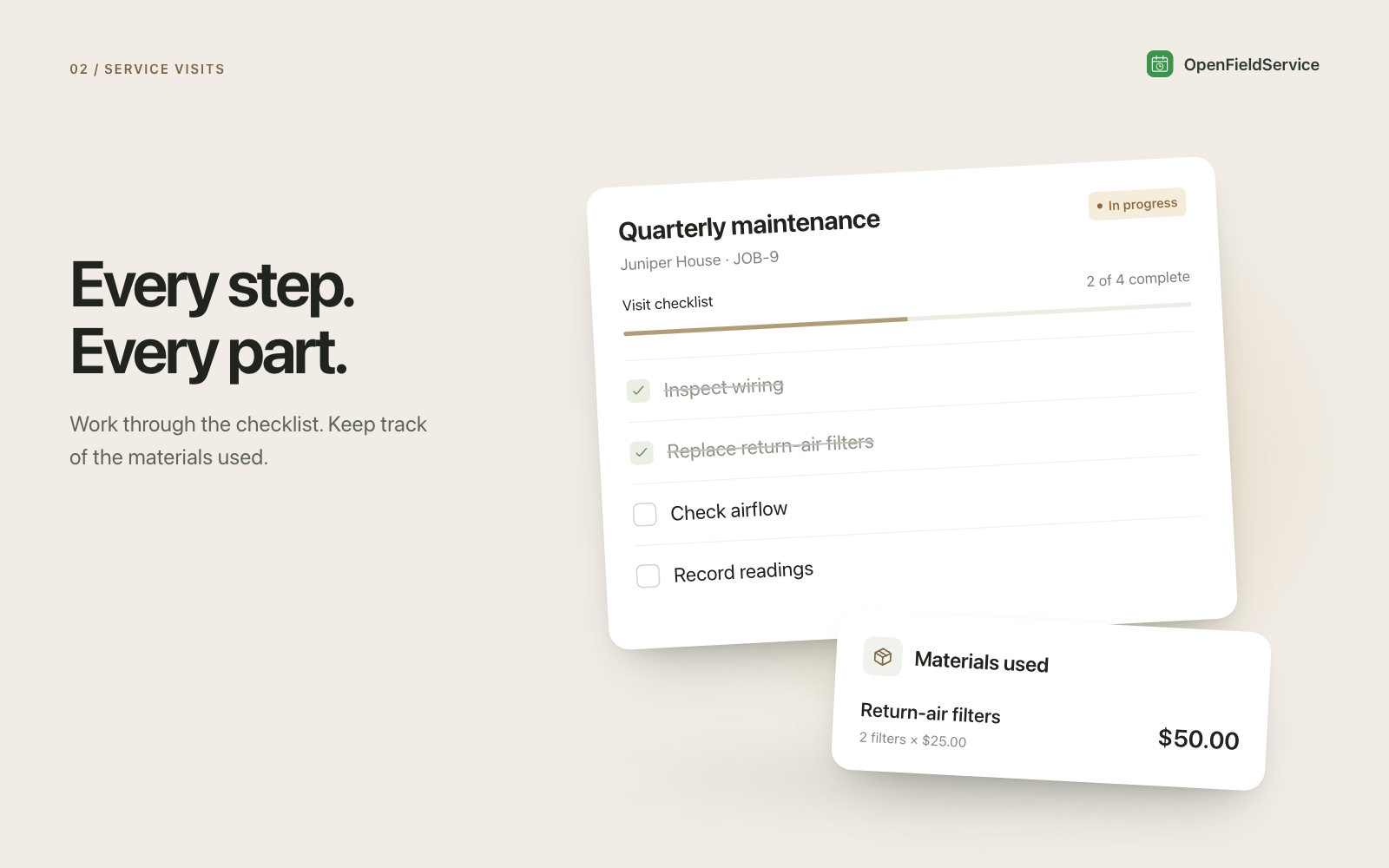
Work through a checklist on each job and log the materials used, with their cost.
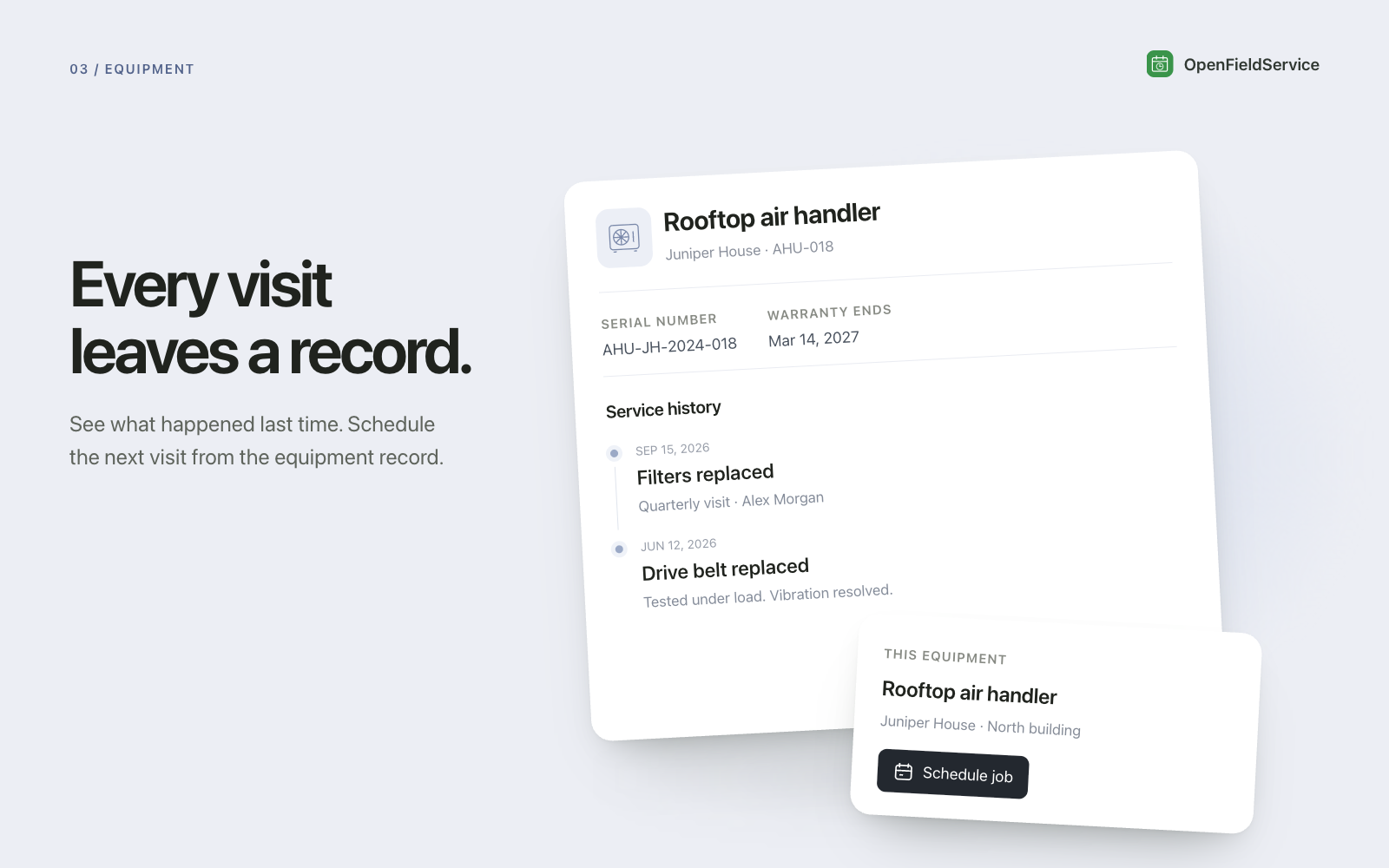
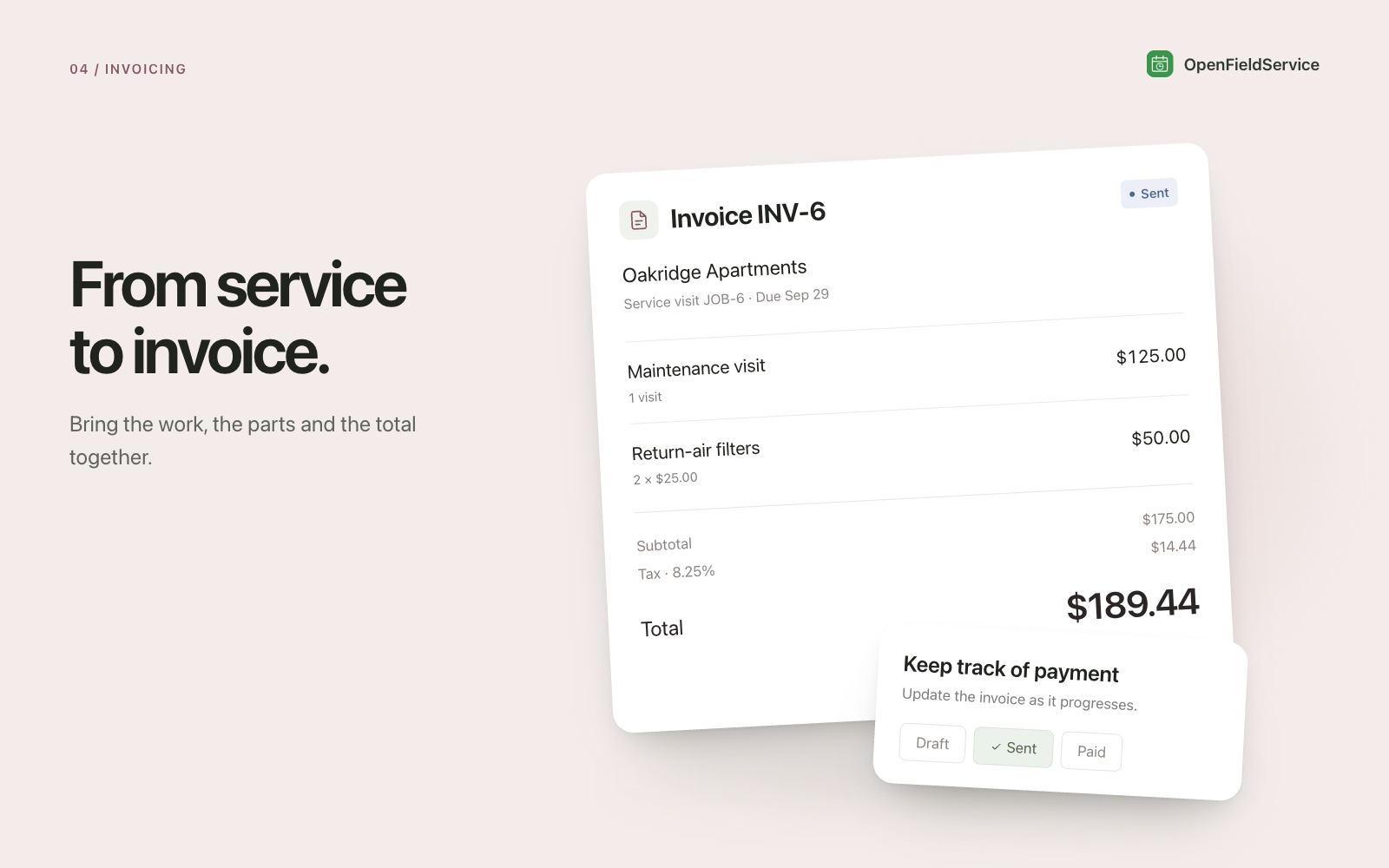
Invoice a completed job and track it from draft to paid. Optional equipment records keep each unit’s service history.
For a plumbing, HVAC or other service team, booking the visit is only the start. The office needs to know who is going. The technician needs the work to do. Whoever prepares the invoice needs a record of the visit and the materials used.
This v1 brings the schedule, job checklist, materials and invoice into the same app. Use it as a starting point for the way your team handles service visits.
A customer calls about a leaking water heater. The dispatcher creates the job and assigns a technician on the weekly calendar, checking the work already on the schedule.
On the job, the technician works through the checklist and records the materials used with their cost. The job record holds those details for the office to review after the visit. If you keep equipment records, the unit can also have its own service history.
Once the work is complete, prepare an invoice from the job and track its status from draft to paid. Your team still decides what to charge and records what has been paid.
Start with your technicians, the services you offer and the customers whose visits you need to schedule. Choose a checklist for a real service visit and the materials you need to record. Try the complete path through one job before bringing over the rest of your work.
For a broader look at choosing and setting up this type of tool, read the field service management guide linked on this page.
Choose this app and follow the setup in Clawnify.
Add your records and connect any accounts your workflow needs.
Ask your agent to help adapt the app to the way you work.
Service teams that assign technicians to visits and need the checklist, materials and invoice to stay connected to the job. It gives the office and field team a shared place to manage that work.
Optional equipment records keep a unit’s service history. You can also use the app for jobs that do not need an equipment record.
The invoice status records where the invoice stands. It does not, by itself, establish a payment collection workflow. Confirm the payment tools your business needs before switching that part of your process.
We use cookies to enhance your user experience.
For a complete overview of all cookies used, please see our Cookie Policy.
Customize cookies
Choose which cookies you allow. Essential cookies cannot be disabled.