From research to a calling campaign
Import researched leads from Prospector into Dialer, ready for a person to call.
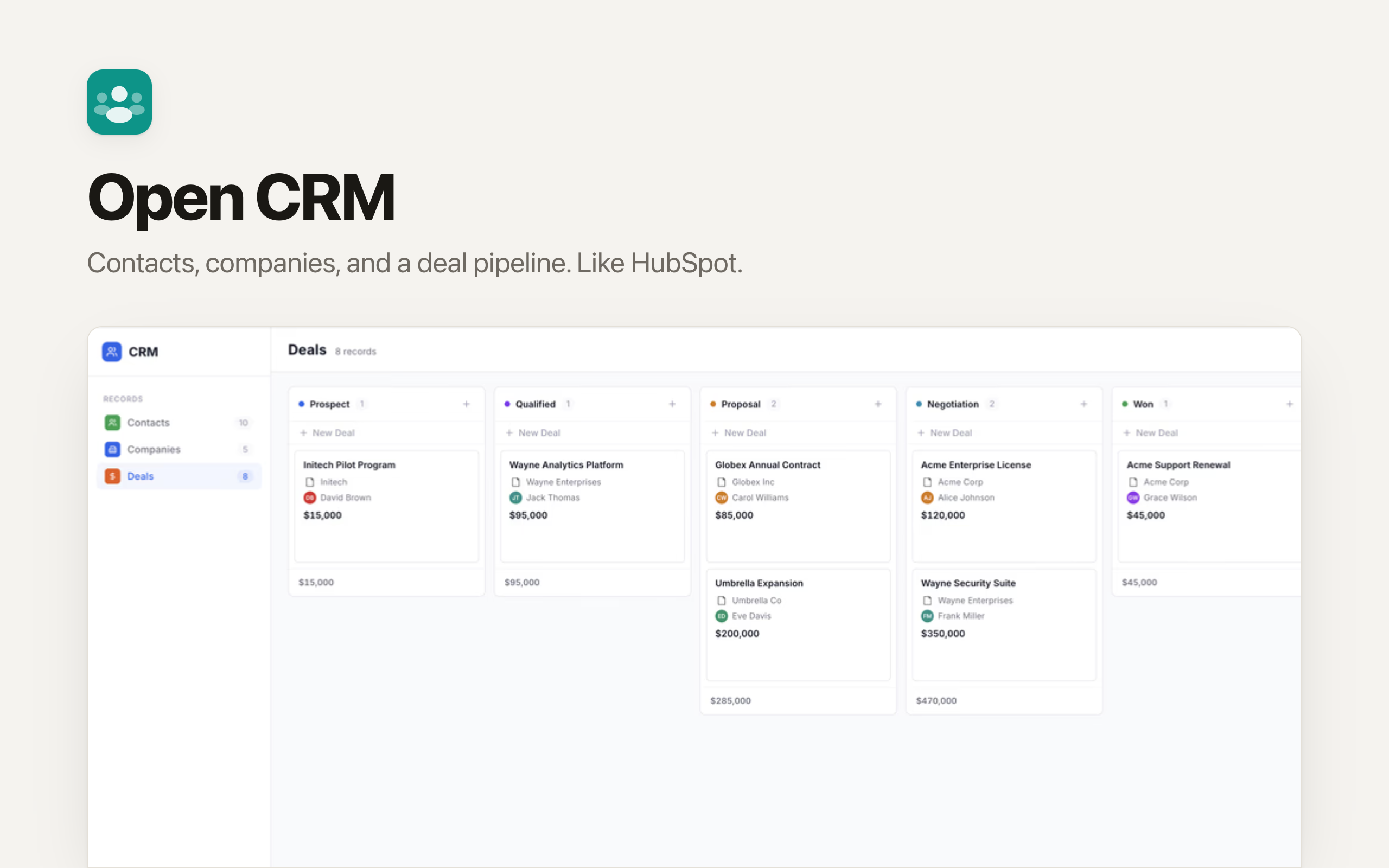
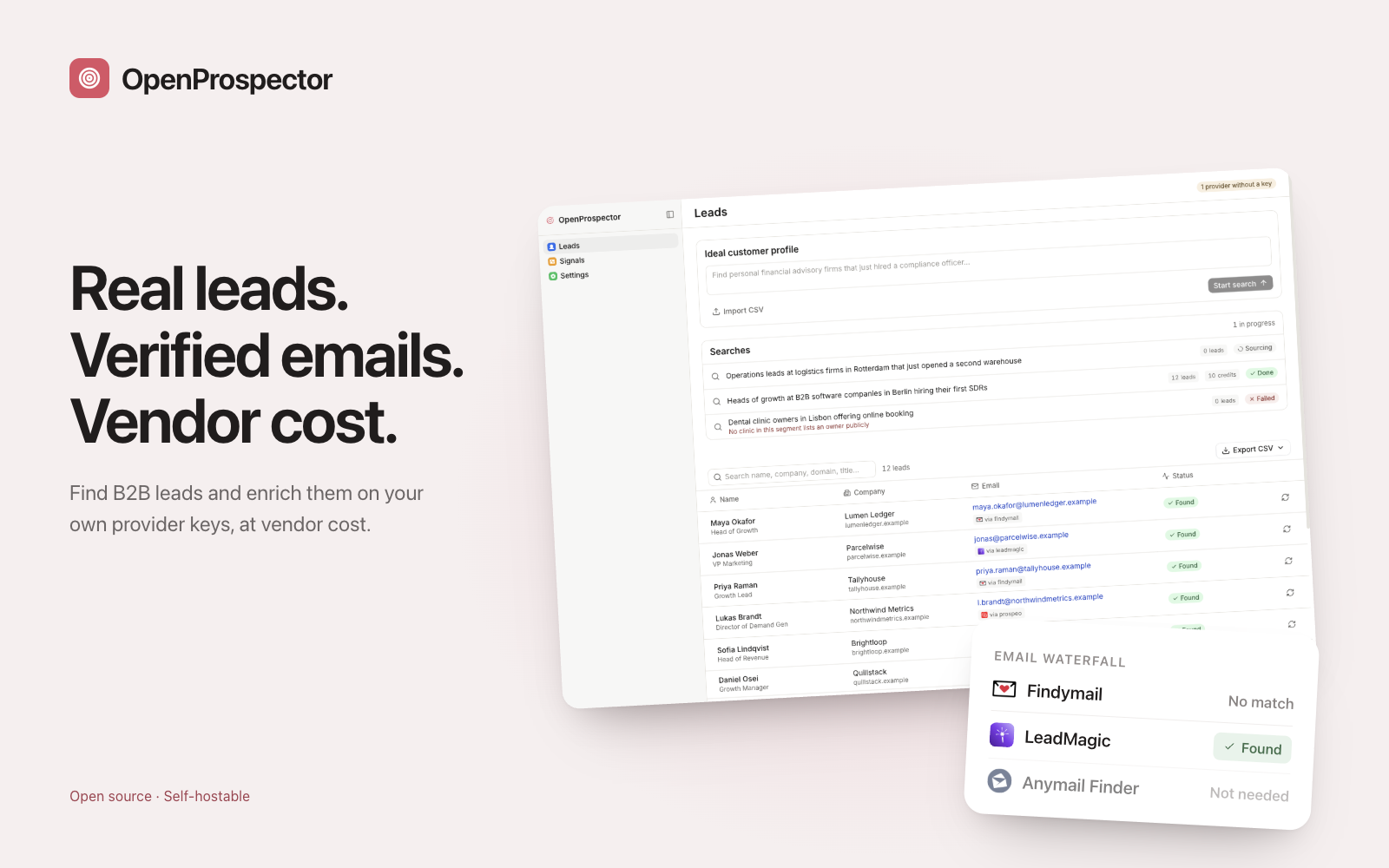
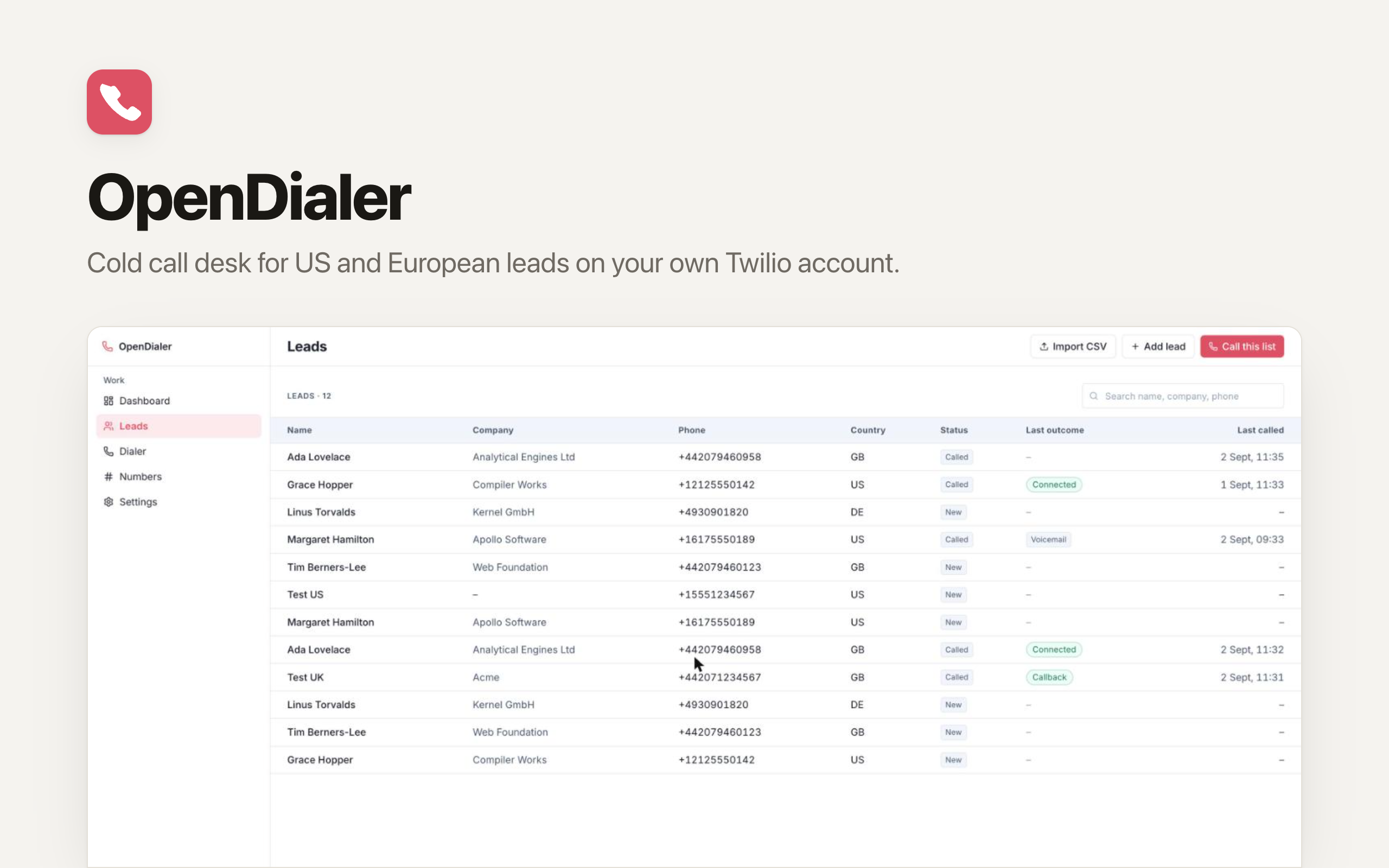
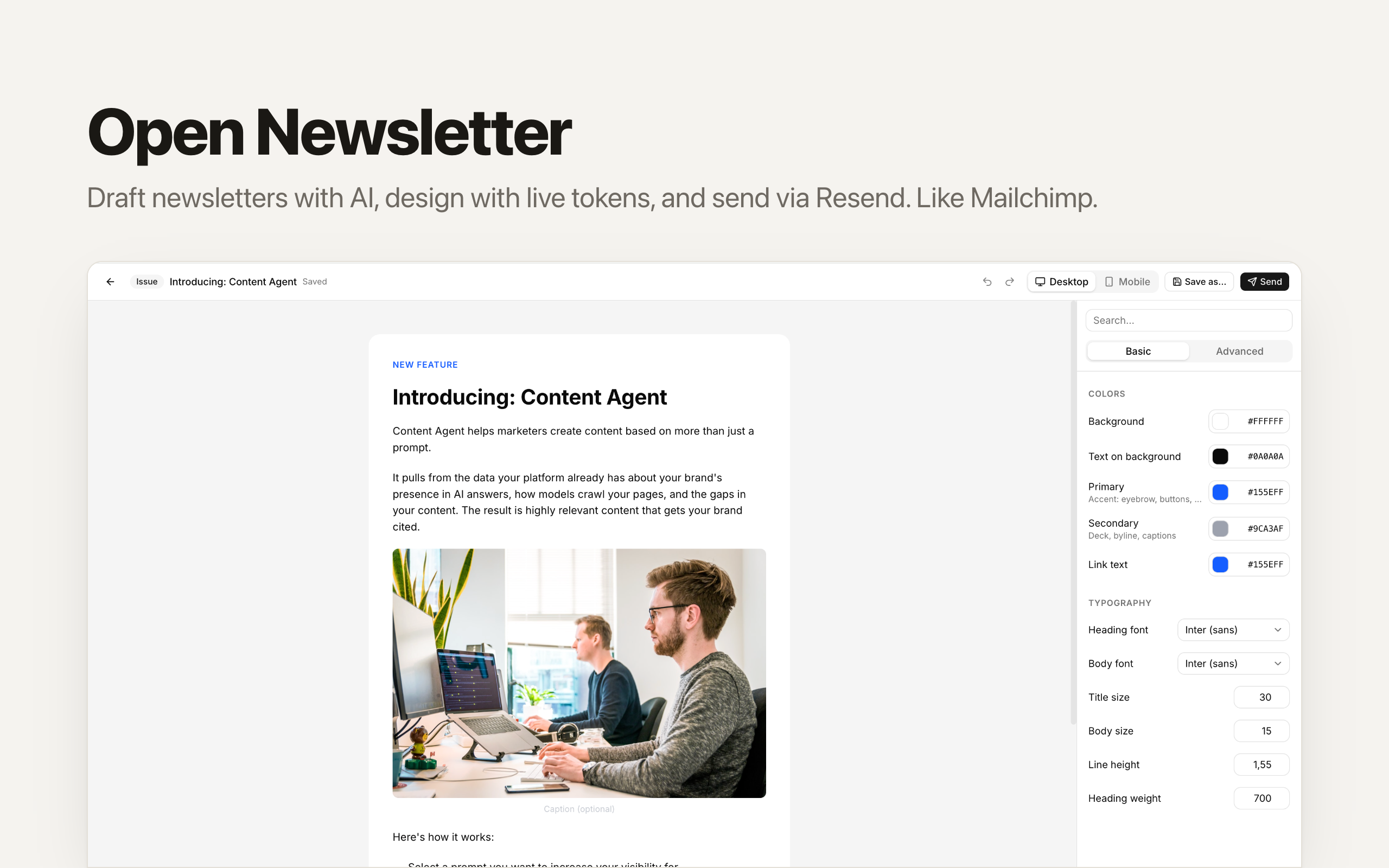
Import researched leads from Prospector into Dialer, ready for a person to call.
Import CRM contacts into Newsletter and keep their consent in view.
Your SDR agent helps research prospects and prepare the outreach queue for your team.
In development. Four apps and an SDR agent. Desk is planned; people send messages and make calls.
Connections supported by the apps included in this OS.

Supported · CRM

Supported · CRM

Supported · CRM

Required · Dialer

Supported · Newsletter

Required · Newsletter
Optional · Prospector
Optional · Prospector
Optional · Prospector
Optional · Prospector
Optional · Prospector
Optional · Prospector
Optional · Prospector
Optional · Prospector
Optional · Prospector
Optional · Prospector
Optional · Prospector
Optional · Prospector
Optional · Prospector
Optional · Prospector
Optional · Prospector
Optional · Prospector
Optional · Prospector
Optional · Prospector
Optional · Prospector
Choose this app and follow the setup in Clawnify.
Add your records and connect any accounts your workflow needs.
Ask your agent to help adapt the app to the way you work.