Keep buyer conversations together
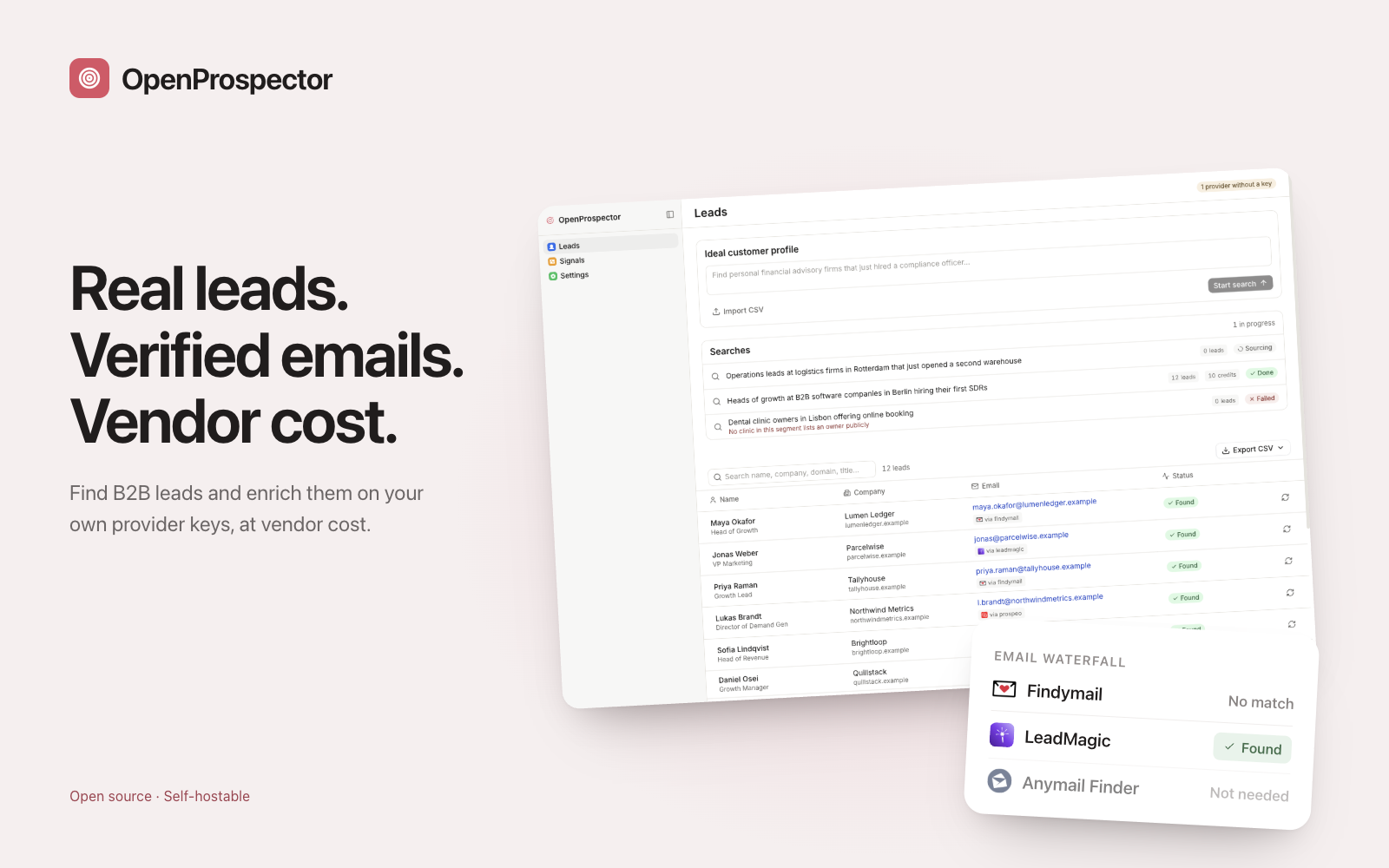
Your sales agent files enquiries in the CRM and drafts replies for a person to send.
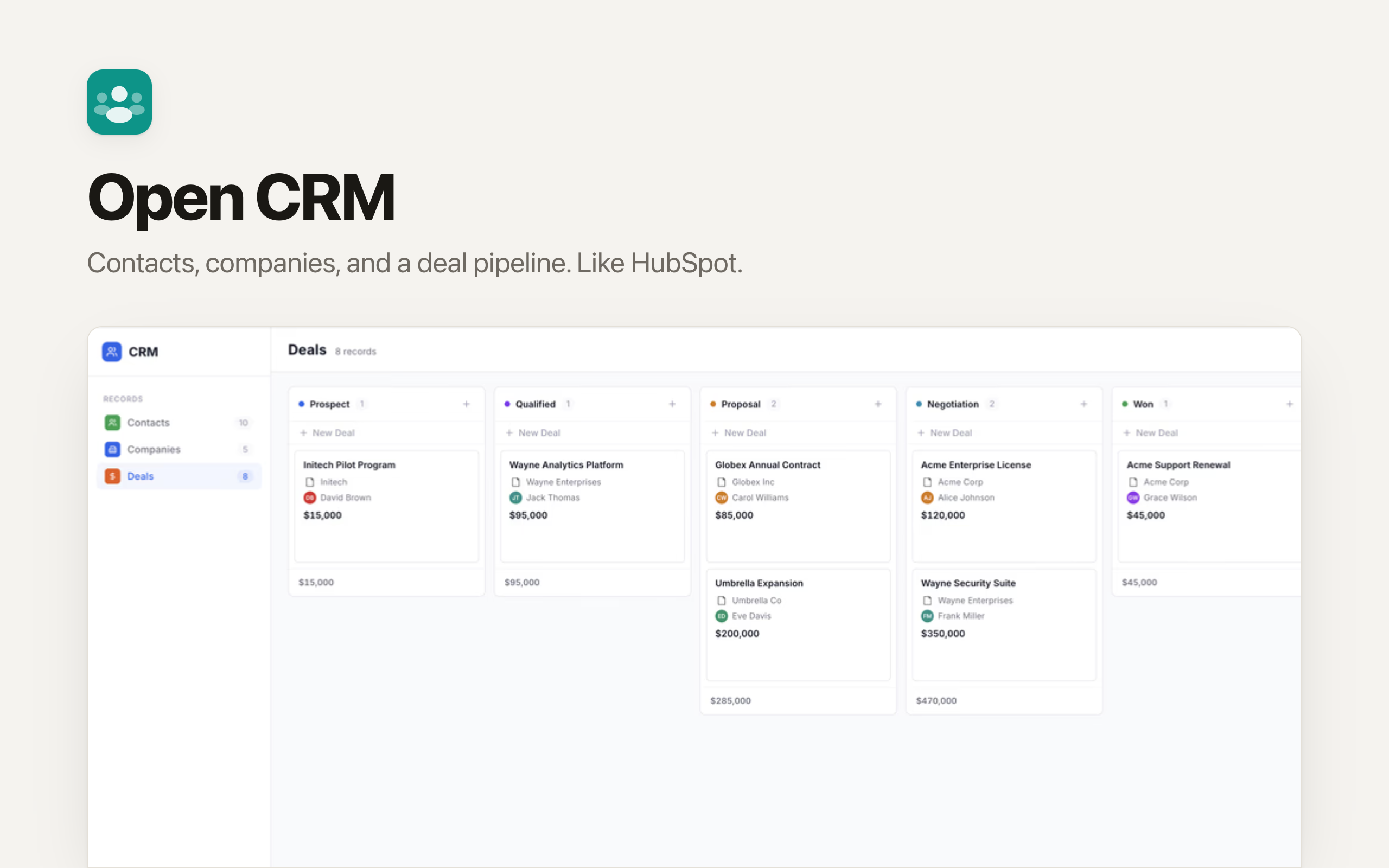
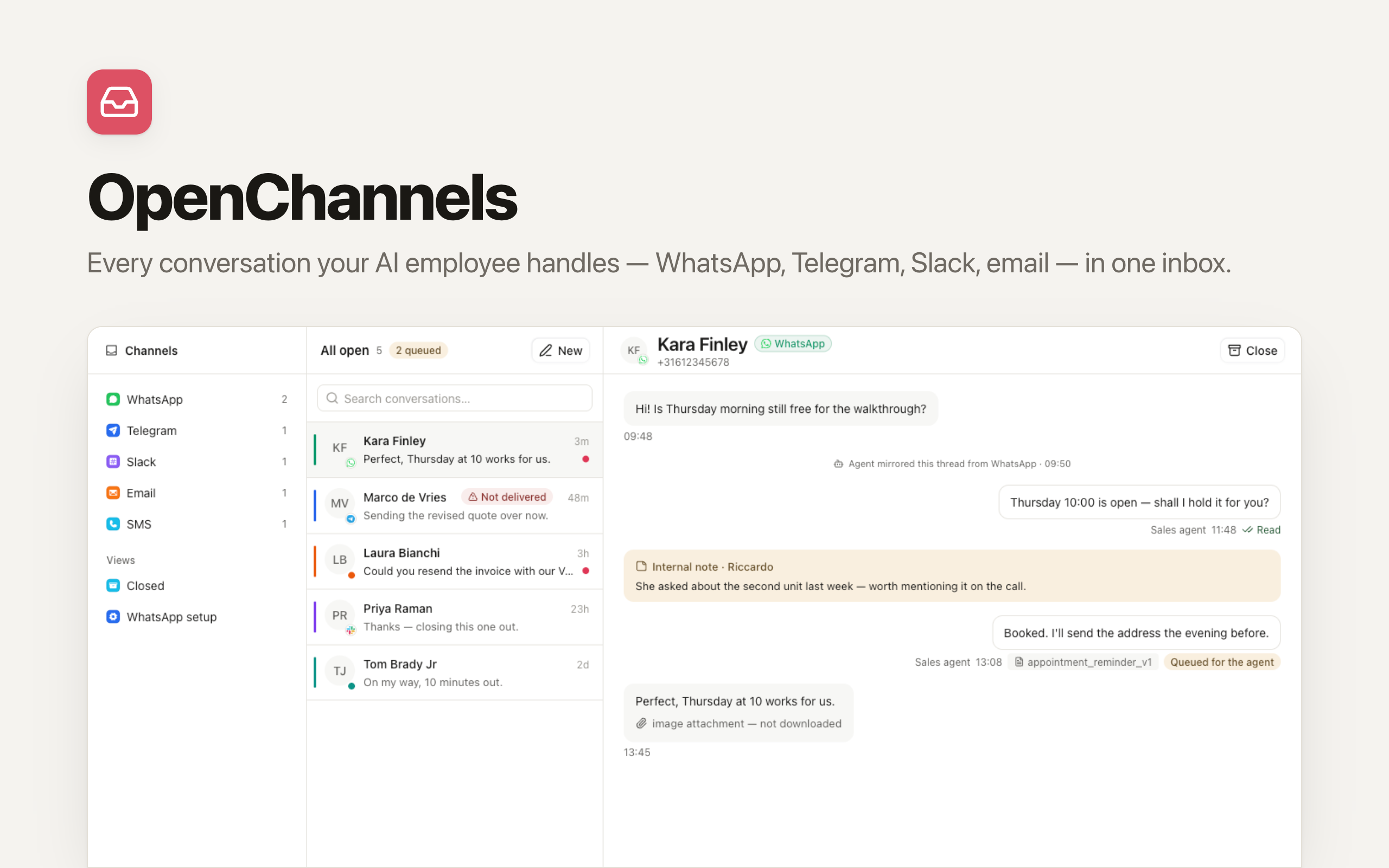
Your sales agent files enquiries in the CRM and drafts replies for a person to send.
The agent proposes the move from buyer to resident. Your team enters and confirms the property record.
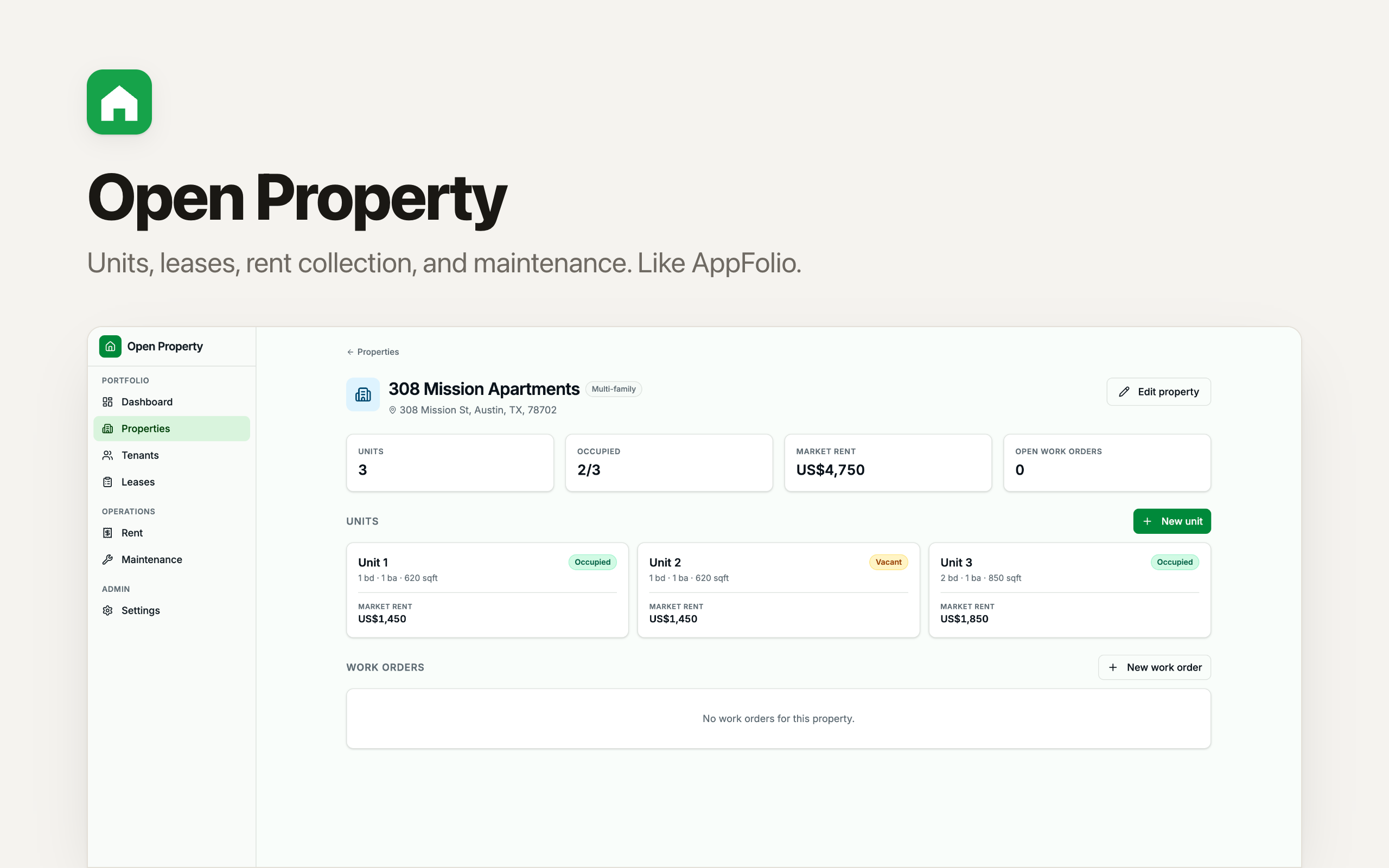
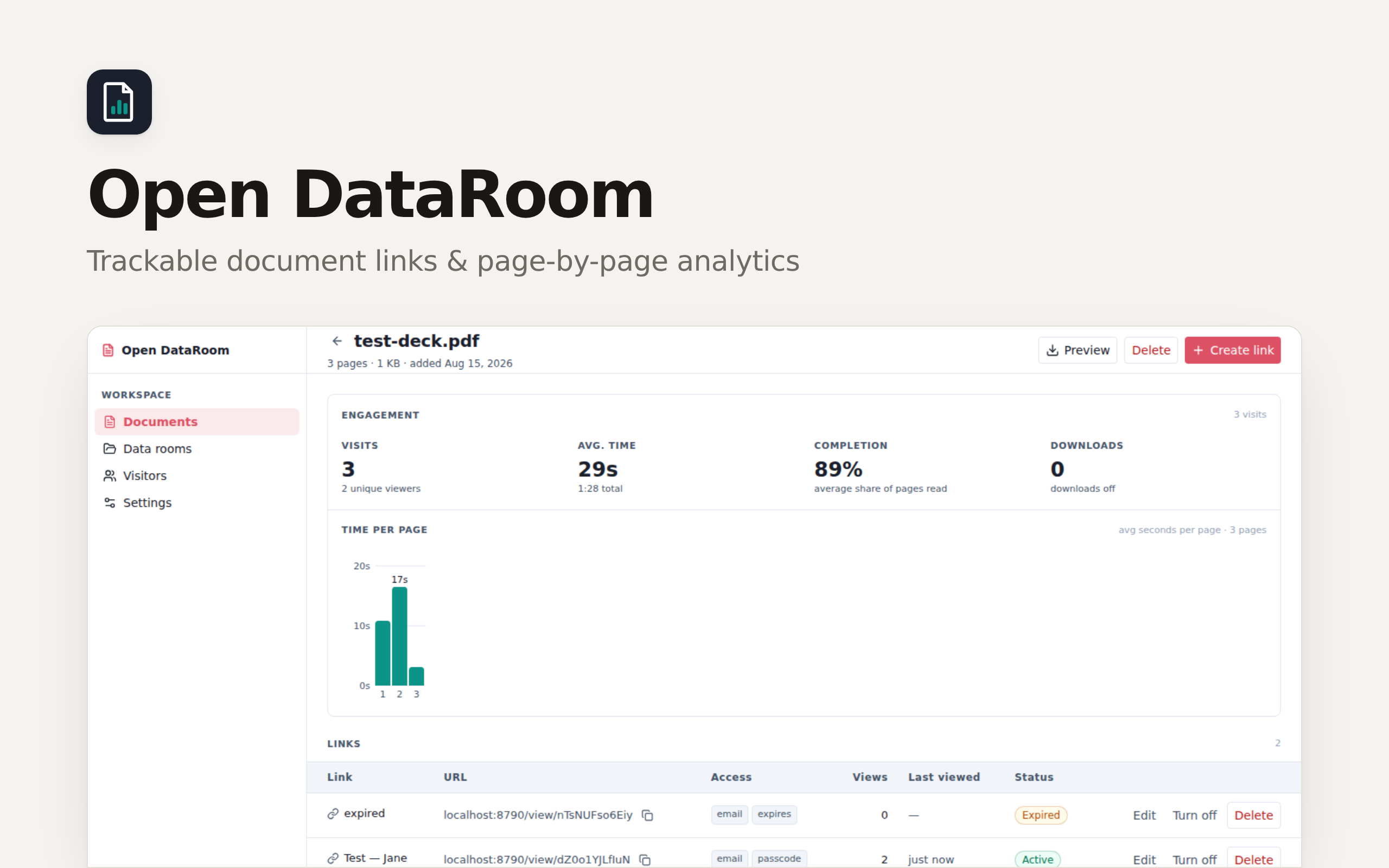
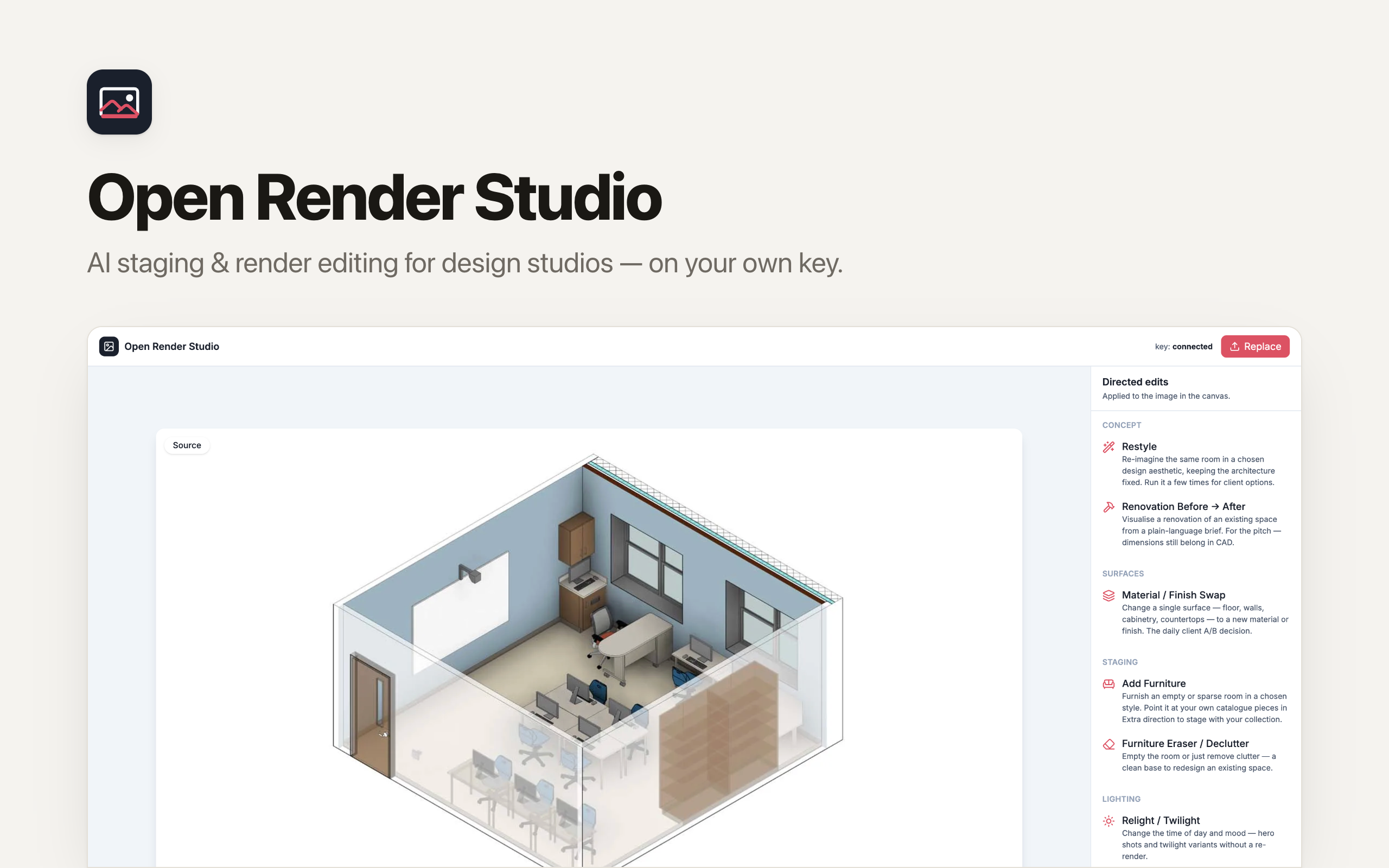
Manage properties and leases, share documents through your data room, and prepare listing visuals in Renders.
In development. Five apps and a sales agent. The direct deal-to-unit link and resident portal are planned.
Connections supported by the apps included in this OS.

Supported · CRM
Supported · CRM

Supported · CRM

Supported · Inbox

Required · Renders

Optional · Renders

Optional · Renders
Choose this app and follow the setup in Clawnify.
Add your records and connect any accounts your workflow needs.
Ask your agent to help adapt the app to the way you work.