
Give the next visit a date
A regular customer still needs a booking. Add the visit time, service and technician, then look at the week as a whole.
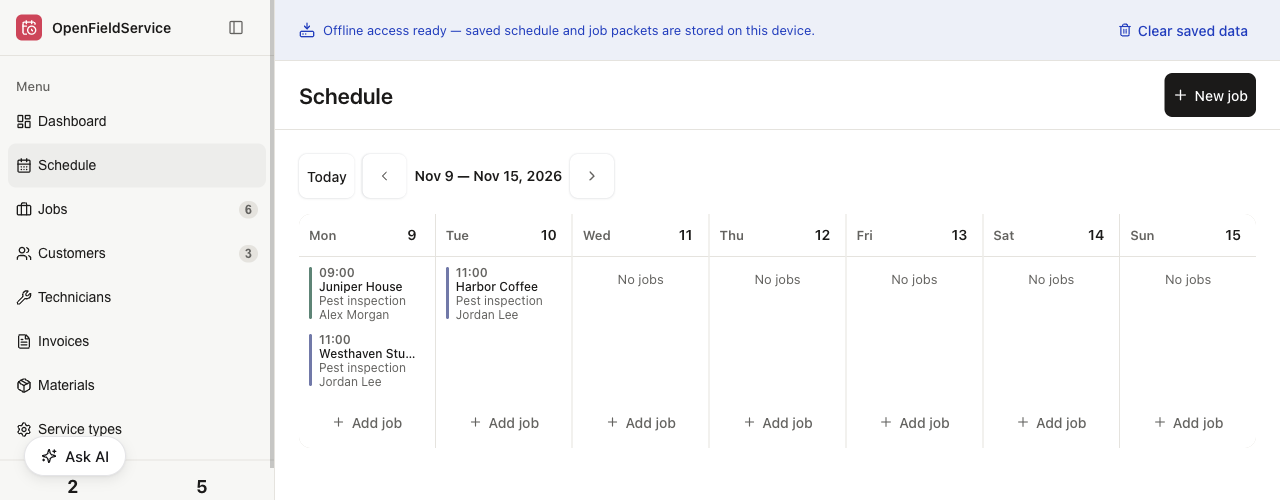
Put booked visits and callbacks in the same weekly calendar. Before you promise a time, check who can attend and whether they can get into the site.
Show next week’s visits and flag the decisions I need to make
Example setup: read the visit list and site instructions, then prepare a draft for the office to check. Read Jobs 1Here is the draft for next week. Check travel time and access windows before confirming the visits.
Draft Schedule 1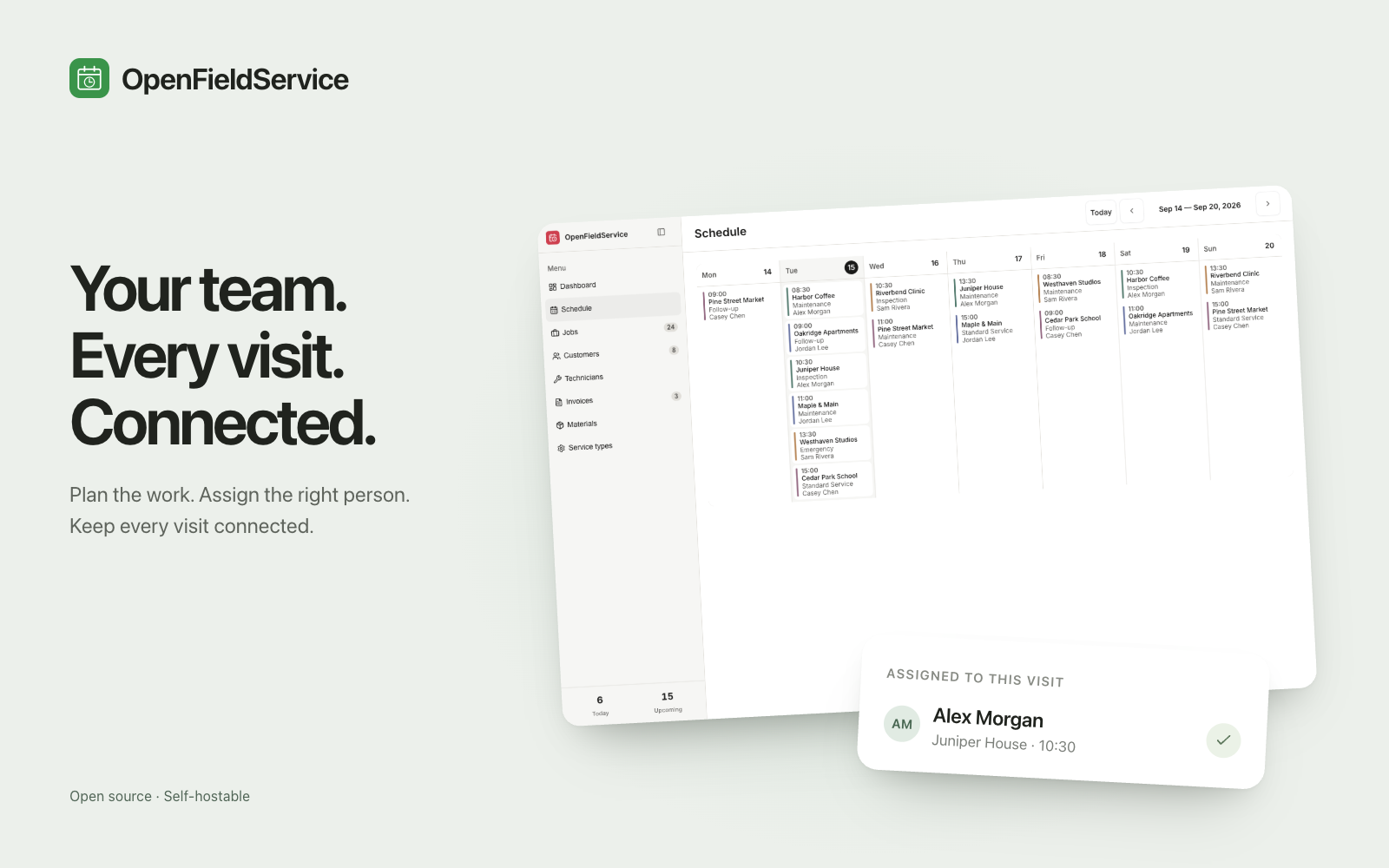
Fictional site instructions for a configured workflow
Check the site contact, agreed access window and previous visit record.
Ask the office to review travel time, the technician assignment and any change to the treatment plan.
Customer messages and repeat bookings follow the rules agreed during setup.
drag to rotate · click a doc to trace its links · double-click to open
A regular customer still needs a booking. Add the visit time, service and technician, then look at the week as a whole.
Book the follow-up as a separate job. Its priority helps the office decide where it fits, and the original visit record gives the next technician some context.
An empty slot doesn’t tell you whether the technician can reach the site. Check travel time and access windows before filling it.
Have the office check the changes before confirming appointments. If you want reminders or automatic repeat bookings, those need a separate setup.
Bring together the sites, requested dates, access windows and expected time on site.
Add the jobs and check each technician’s visits, travel and callbacks in the calendar.
Once the office is happy with the round, tell customers through your agreed communication process.
Add each job with its customer, date, time, service and technician. Then look at the week in the calendar: can each person get between sites, meet the access windows and fit in the work? You make that judgement; the app doesn’t optimise the driving route.
No. Book the next visit yourself, or set up an agent or flow to propose a date from the agreed interval. Decide who approves it and how you’ll spot a failed booking before relying on automatic repeats.
Yes. The job record supports changes to the date, time and technician. In our demo test, we moved Harbor Coffee from Monday at 10:00 to Tuesday at 11:00 and reassigned the visit from Alex Morgan to Jordan Lee. The calendar showed the change. Messages to customers and updates to other calendars need their own setup.
Start with the original visit record, then book the callback as a separate job with a priority. Check the technician’s workload, travel and site access. You also need to decide whether they’re qualified for the work; the calendar won’t check that.
More for Pest Control
2 ready
We use cookies to enhance your user experience.
For a complete overview of all cookies used, please see our Cookie Policy.
Customize cookies
Choose which cookies you allow. Essential cookies cannot be disabled.