
What creating an invoice looks like here
Tell the agent the client and the work. It drafts from the timesheet, fills a new client's details from their website, renders the PDF, and waits for your yes.
Tell it the client and the work, or mark the job done, and the invoice drafts itself from the timesheet or the quote, with a PDF and one way to pay. It goes out after your yes, then gets chased on schedule and marked paid when the money arrives.
Invoice Harbour Cafe for the March brand work. Their details are on their website
The user wants the March work invoiced: hours from the timesheet, the bill-to from the client's site, and a PDF ready once they approve… Read Website 1Invoice 0415 is ready for your yes: the brand workshop and six hours of follow-up advice, €2,238.50 with VAT. Once it's sent, the day 7 and day 14 reminders are scheduled.
Create Invoice 1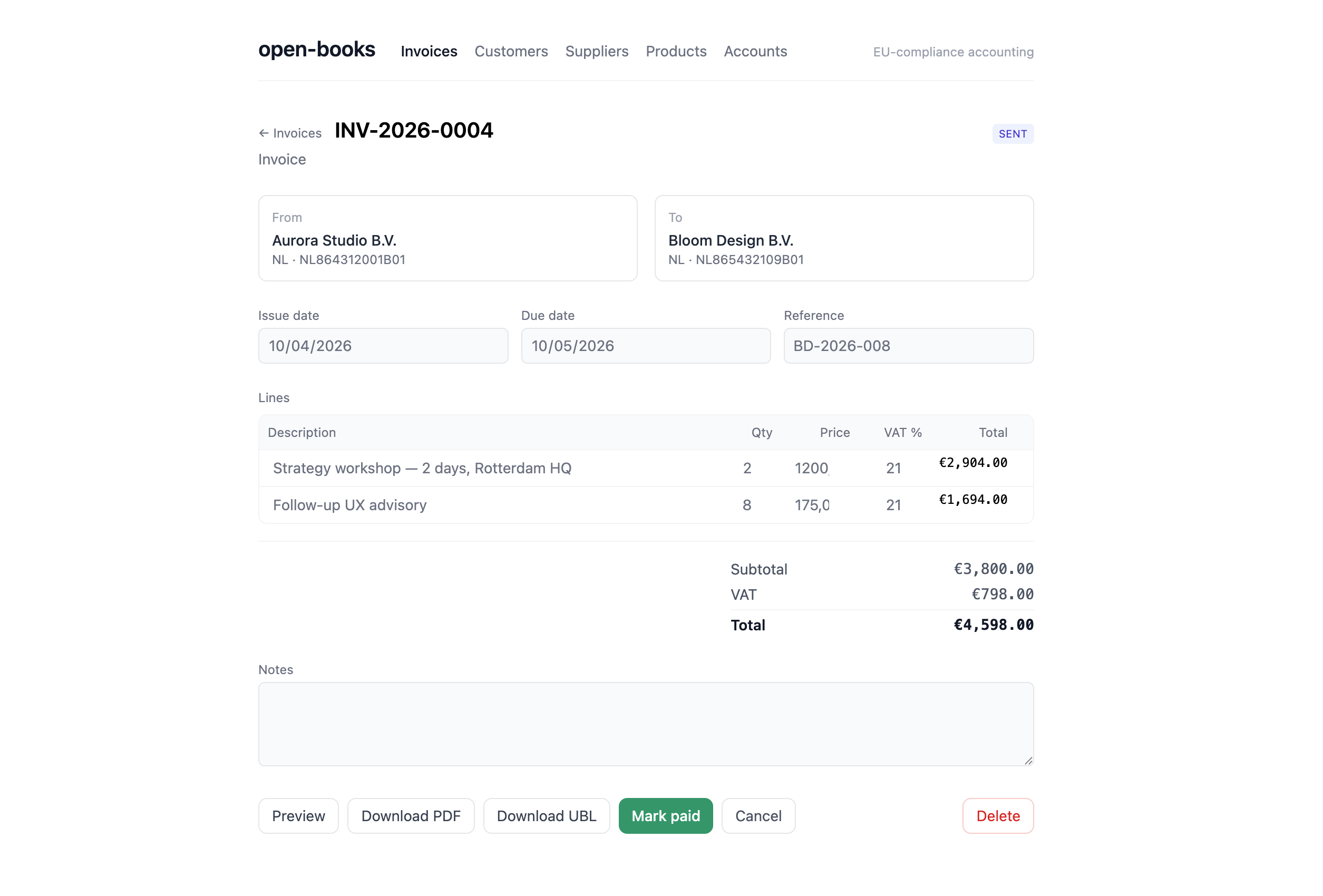
How we invoice, when it's due, and how we chase.
Invoices go out the day the work is signed off, numbered in sequence. VAT is 21% unless the client is an EU business with a valid VAT number, where it's reverse charged.
Payment is due in 14 days by bank transfer. A friendly reminder goes 7 days past due, a firmer one at 14, and anything older comes to a partner before anyone calls.
drag to rotate · click a doc to trace its links · double-click to open
Tell the agent the client and the work. It drafts from the timesheet, fills a new client's details from their website, renders the PDF, and waits for your yes.
Day 7 gets a nudge, day 14 a firmer one, and anything older lands with you, history attached. Nobody has to make the awkward call, because the schedule makes it.
Reminders run on their own. A final notice or a paused engagement doesn't. Those come to you as proposals with reasoning, and nothing reaches the client until you've said yes.
Rate cards, payment terms, tax treatment and each client's billing contact live in the workspace, so the invoice is right the first time and nobody asks who to pay.
The status flips when the payment lands and matches the invoice number, not when somebody says it was sent. A failed transfer goes back to the inbox, not to paid.
Text the AI agent the client and the amount on your way out of the meeting. It builds the invoice, shows you, sends it, and files the record where your accountant can read it.
Tell your agent how you bill: hourly or fixed, your payment terms, tax treatment, and what a reminder from you should sound like.
Authorise the payment provider or accounting tool you already use, so the agent can see when an invoice has been paid.
Pick the day 7 and day 14 reminders, and decide which escalations always need your yes before they go.
Read each draft invoice and each escalation in chat, approve it there, and leave the rest to the agent.
Two ways. Tell the AI agent the client, the work and the amount, in chat or by text. Or mark the job done and let it draft from the timesheet or the quote you already sent. Either way it numbers the invoice, applies tax once, adds your terms and one way to pay, and shows you the draft. You say yes, it goes out, and the reminder clock starts that day.
A unique sequential number, the issue date, your business details and the client's, one line per item or hour with its price, the tax line, the total, the due date, and exactly one way to pay. Tax treatment changes by country and sometimes by client, so the agent uses whatever you've set in the workspace rather than guessing. If you invoice in Italy, electronic invoicing through Fatture in Cloud is a built-in connection.
By default a friendly reminder goes seven days after the due date, a firmer one at fourteen, and after that it comes to you. Change any of it per client. Reminders go out on whichever channel the client actually answers, email or WhatsApp, in your wording rather than a template's.
It waits for the payment provider or accounting tool it's connected to report a payment that matches the invoice number and amount, and only then flips the status. A payment that was started and then failed goes back into the queue. That sounds like a small distinction until you've had an invoice sit at "paid" for a month with no money behind it. The European Commission estimates a company spends between 5 and more than 15 working days a year chasing late payments, and this is the job those days go on.
A template gives you the document, and the document has been free for years. An invoicing subscription adds a reminder email and a paid status it can't actually verify, because it doesn't see where the money arrives. Here the invoice is a record the agent works on rather than a file it produced: it drafts it, sends it, reminds, brings escalations to you, matches the payment when it lands, and files the result next to the quote it came from and the accountant who needs it. That replaces a template, a reminder tool and a reconciliation spreadsheet with one thing.
No. Quote to invoice prices an inbound request before any work is done. This one starts when the work is finished: it drafts the invoice, sends it, chases it and matches the payment when it lands. Most practices want both, and they share the same client records.
If you send a handful of invoices a month and they get paid on time, a free template and a calendar reminder are enough. It earns its keep when there are more invoices than you can hold in your head, or when one late payer can spoil a month.
More for Professional Services
3 ready