
A follow-up email should make the decision easier
A follow-up email after no response should make the next decision easier. Use clear asks, realistic timing, and samples that leave room for an honest answer.
Put your AI workforce to work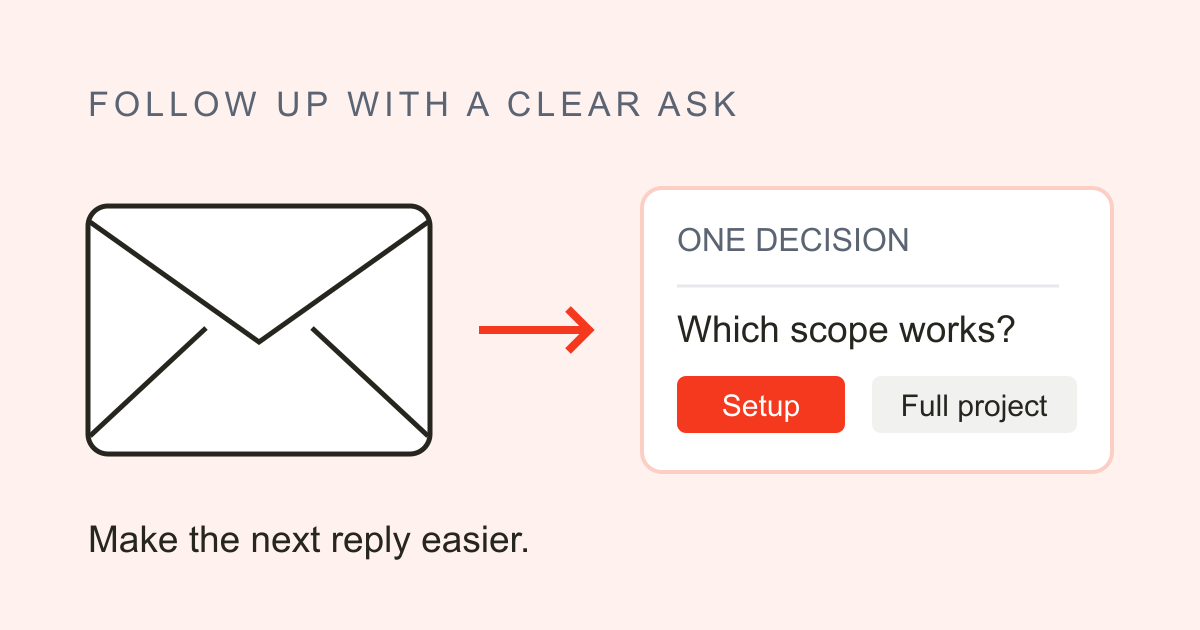
What a follow-up email after no response should change
Your first email is still unanswered. Before sending it again, make the next decision easier: remind the recipient what you need, clear up anything vague, and leave them one question they can answer briefly.
That is the job of a follow-up email after no response. Brian Dean's account of selling Backlinko makes the point rather well. He says he ignored an email from Semrush because its generic invitation to collaborate sounded like the pitches he routinely discarded. The next message made the interest in buying his company clear. He replied. According to Dean, that conversation eventually led to the sale.
The useful detail is what changed between the emails. Dean understood the second request.
Reread your original message with that in mind. Perhaps you asked for feedback on a proposal when all you needed was approval for the setup work. Perhaps you left out the attachment. Fix that before writing a longer introduction or a more apologetic sign-off.
A good follow-up restores enough context to recognize the request, adds a useful detail where there is one, and makes the next step clear. If you've already done all of that, a short reminder may be enough. You don't need to invent news to justify it. And you can't tell from silence alone whether the recipient is busy, uninterested, or waiting on someone else.
Wait for working time, not a change of date
Late yesterday afternoon to early this morning can feel like two days in your inbox. To the person receiving it, almost no working time may have passed.
A writer using the name Employee Tears described a customer complaining about two days without a response. The first email had arrived at 4:53 p.m.; the follow-up came at 8:35 a.m. the next morning. The writer said they were five minutes into their shift.
Start with whatever timing the recipient gave you. If they promised an answer on Friday, let Friday pass. If there was no agreement, I'd use three to five business days as a starting point for an ordinary, nonurgent request. That's a judgment call, and the work involved may need longer.
| Situation | When to act |
|---|---|
| Promised reply date | After it passes |
| No date, nonurgent | Consider 3–5 business days |
| Out-of-office reply | Allow time after their return |
| Urgent existing work | Use the agreed channel |
Count holidays and working hours, too. If a real deadline is approaching and existing work is blocked, use the contact or escalation route you've agreed on. Say which decision is missing and what it holds up. Another email may be appropriate, but it shouldn't be the only plan for getting urgent work unstuck.
Make the next reply smaller than the first
A request for advice can leave the recipient wondering where to begin. Noah Kagan described deleting a generic advice email and said he tends to reply when someone follows up. He also finds repeated automated bumps annoying. That's his preference as a recipient; someone else may want fewer messages, or no further contact.
The useful question for your own email is what you're asking them to do. If you wanted feedback on an entire proposal, narrow it to the decision you need now: whether the proposed scope fits, for example. Save the other questions for later.
Reply in the existing email thread when it keeps the context handy. Name the project in the first line, then include any real update: a revised estimate, a missing attachment, or an answer to a concern they raised. Don't make up a development just to have a reason to write.
Finish with one bounded question they can answer briefly. Allow for a no. Guilt about their silence and invented urgency add pressure without helping them decide. A thoughtful follow-up can still go unanswered, so write something useful enough to stand on its own.
Three follow-up email samples with one clear ask
Use these original, illustrative samples as a starting point. They aren't tested templates, and the details in brackets need your own facts. Keep the original subject when replying in an existing conversation.
A client hasn't answered your proposal
Subject: Re: [Project] proposal
Hi [Name],
I'm following up on the proposal I sent on [date]. The estimate includes both the website copy and the launch emails; I can also quote the website copy separately.
Would you like me to price the website copy on its own, or keep both in scope?
Thanks,
[Your name]
Use that scope choice only if it's something you can offer. If the client already settled the scope, ask about the actual decision still open.
Internal work is waiting on approval
Subject: Re: [Project] copy approval
Hi [Name],
The final copy is ready in [document link]. You're listed as the approver, and I'm waiting for your sign-off before sending it to design.
Design needs it by [time and date] to meet the agreed [launch date]. A later approval will move the handoff past that slot.
Can you approve the copy by [time and date]?
Thanks,
[Your name]
Check the owner and deadline before sending. The consequence belongs here only if it reflects the team's actual schedule.
A promised interview update hasn't arrived
Subject: Re: [Role] interview
Hi [Name],
Thanks again for our conversation on [interview date]. You mentioned an update by [promised date], so I'm checking in now that it's passed. I'm still interested in the role.
Could you share the current timeline for a decision?
Best,
[Your name]
Send this when you're still awaiting a decision. If a rejection has arrived, another status request no longer fits the conversation.
Silence does not create an unlimited sequence
A reply can arrive late in a conversation. Ericka, a creator of user-generated content, says 60–70% of the responses she receives come from a second or third follow-up. That describes the replies she got; it doesn't tell us how many emails went unanswered. She supplied no sample size or time period.
Alex Guest's experience shows where persistence can end. After an interview, he received an automated rejection but no personal response. His request for feedback also went unanswered despite follow-ups over a month. The hiring decision was already settled.
Stop when someone says no or asks you not to contact them. A rejection closes the status question, even if you'd still welcome an explanation.
For unanswered, low-stakes outreach, I'd send a useful reminder, then a brief closing message later if there's a practical loose end to settle. After that, park it. You don't need a farewell email just to provoke a reply, and there's no count that every conversation should reach.
Reopen a parked, unanswered conversation when something has changed, such as a revised proposal that addresses their earlier concern. If existing work still depends on an answer, use the agreed escalation route and record the blocker. Parking a pitch is different from silently abandoning a commitment.
Automate the reminder and keep the context
A reminder scheduled on Monday can be wrong by Thursday. The recipient may have replied to a colleague, declined the proposal, or resolved the question on a call. Check again before it goes out.
Corey Ganim described an email-agent setup that reads the current conversation, uses sent emails as voice samples, and prepares a draft with one ask. His configuration also stops after three unanswered follow-ups and flags the conversation for a person. That's a rule he chose for his setup; it doesn't establish how many messages your recipient should receive.
Give each conversation one owner and one follow-up schedule. Before a scheduled send, check the latest replies and the status of the work. Cancel queued messages when an answer arrives, someone says no or opts out, or the request is resolved. A colleague taking over should cancel the old schedule, too.
I'd keep drafts involving prices, deadlines, or other sensitive commitments for a person to review. An agent shouldn't promise something just because it appeared in an earlier email.
For an agency handling inbound enquiries, this fits into a lead follow-up workflow. The broader sales automation discussion covers where automation belongs. Start here: remember what happened, check what's still undecided, and make the next reply easy.